05:30 NUMBI GATE
The gate opens and you already know the plan.
Your camp bookings, route and packing list were saved to the app weeks ago and synced to the cloud. Nothing to print. Nothing left on the kitchen table.
 Get it for R99
R99
Get it for R99
R99
R99 for the first 100
Offer closes 31 December
Works with no signal
iPhone and Android
No app store needed
Your trip backs up to the cloud
Key by email in 20 minutes
Every general wildlife app assumes a connection. Yours dies at the gate, which is exactly where you needed it.
The Kruger Field Guide keeps everything on the phone: the species guide with its roads and times, the gate countdown, the finder for fuel and water and toilets, your itinerary, your checklist and your journal. Switch mobile data off entirely and nothing stops working.
Then there's the part of the park nobody solved: the sightings board at camp, where you find out at dinner what you drove past at eight in the morning. We've built that into the app as a live feed, and it starts filling the day the founding hundred are out on the roads.
A paper checklist can't tell you the gate shuts in twenty minutes. A field guide book weighs two kilograms and was printed two years ago. An app that needs signal stops working at the gate.
This is what the app actually does, in the order you'd actually use it.
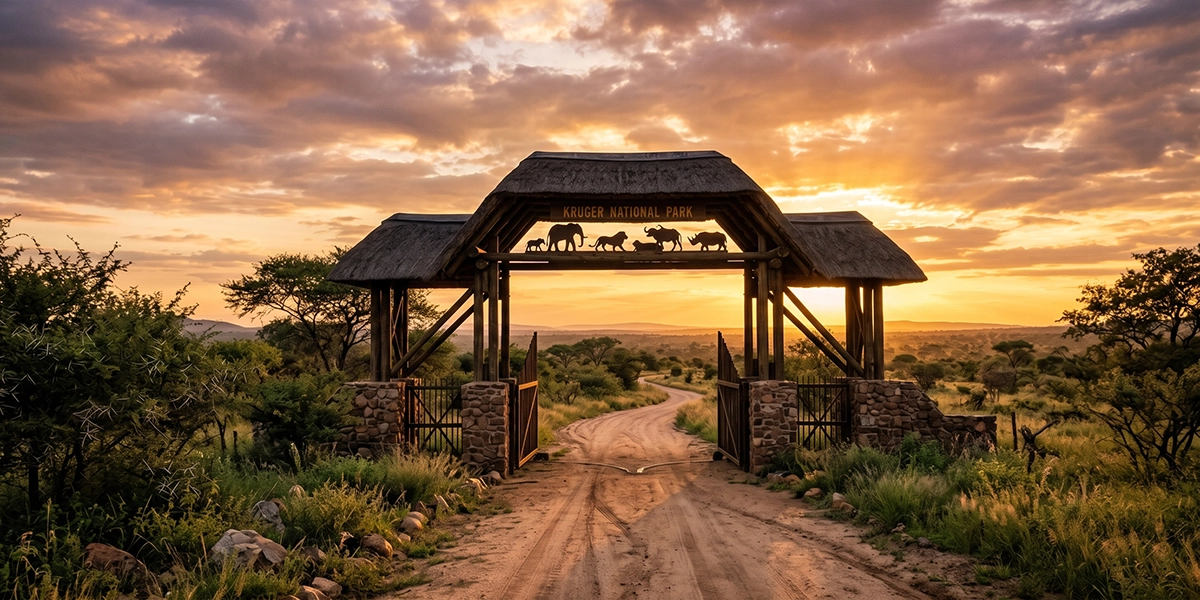
05:30 NUMBI GATE
Your camp bookings, route and packing list were saved to the app weeks ago and synced to the cloud. Nothing to print. Nothing left on the kitchen table.
06:47 H1-1
Tap the species, and the sighting is logged with your GPS position and the time. It's on the board for every vehicle behind you before the last buffalo is off the road.
08:12 S36
The feed shows what's been seen near you and how long ago. It fills up as the founding hundred start driving — which is the other reason to be in the first hundred rather than the second.
11:05 NO SIGNAL
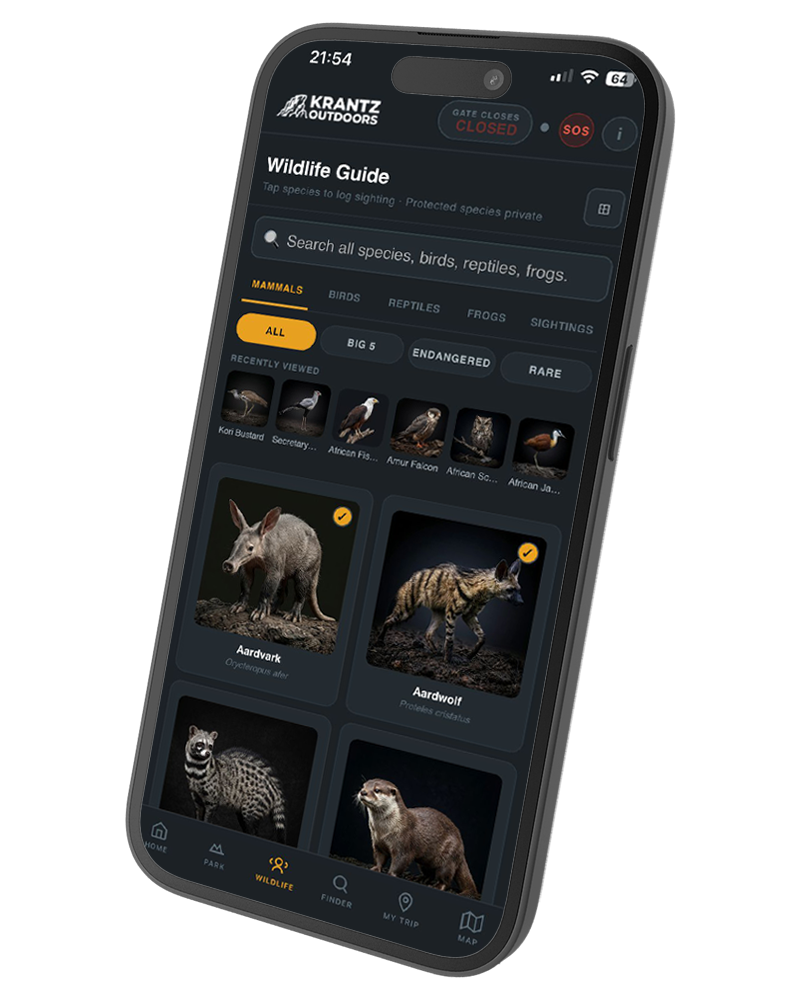
Over 400 species with field notes, best roads, best times of day, behaviour and camera settings — all stored on the phone. The guide doesn't care that the data is gone.
13:20 TSHOKWANE
Tap fuel, water, food, toilets or medical. The app finds the nearest one from where you're standing and gives you the distance and direction. No typing, no map to pinch at.
17:31 29 MIN LEFT
Set your exit gate once and the timer runs all day. At thirty minutes it goes red. Gate fines in Kruger start around R1 500 — and the fine is the smaller problem.
20:10 CAMP
Every pin you dropped is already a dated, mapped record. Add a few lines to the journal, tick the bingo card with the kids, and it's saved for the next trip and the one after that.
Built in Pretoria by people who drive these roads several times a year. Every feature is here because we needed it in the car.
Mammals, birds, reptiles and frogs. Each one has the roads it's most often seen on, the time of day to look, what its behaviour is telling you, and the camera settings that actually work in Kruger light. Tap any species to log it with your position. No connection required at any point.
Pick your gate. A timer runs against today's closing time and turns red at thirty minutes.
One tap on what you need and the app works out the nearest one from where you're standing, with the distance and the direction. No typing and no map to pinch at while somebody else drives. Works with data off.
Before you leave and every day you're in the park.
Every camp has a board where visitors mark what they saw and where, and it's always the most crowded thing in the camp. The app carries that board into the car: log a sighting and it appears for the vehicles behind you within seconds, tagged with the road, the distance and the time. It needs people on the roads to be useful, which is exactly what the first hundred licences are for. Offline you keep the last version you loaded, and it refreshes itself when you pass through signal.
Search, filter by what's likely on your road today, and log a sighting in one tap.
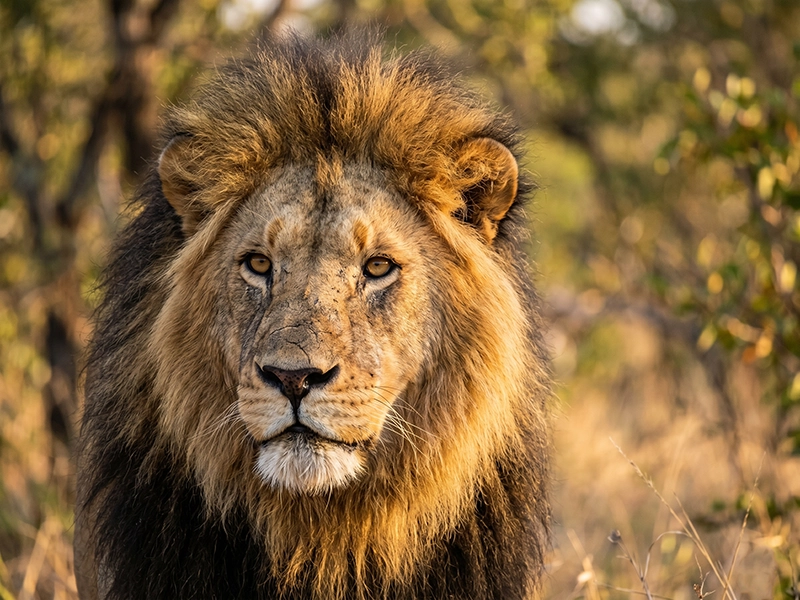
Lion
Panthera leo
Big Five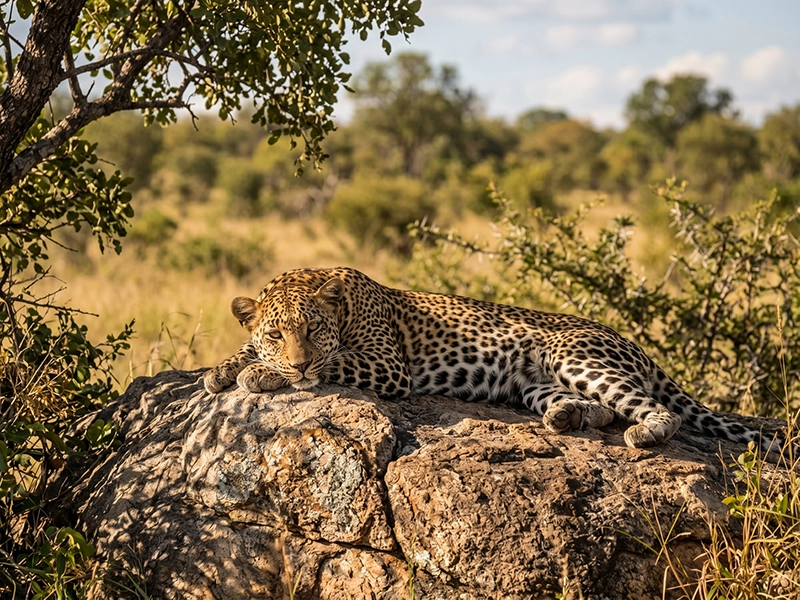
Leopard
Panthera pardus
Big Five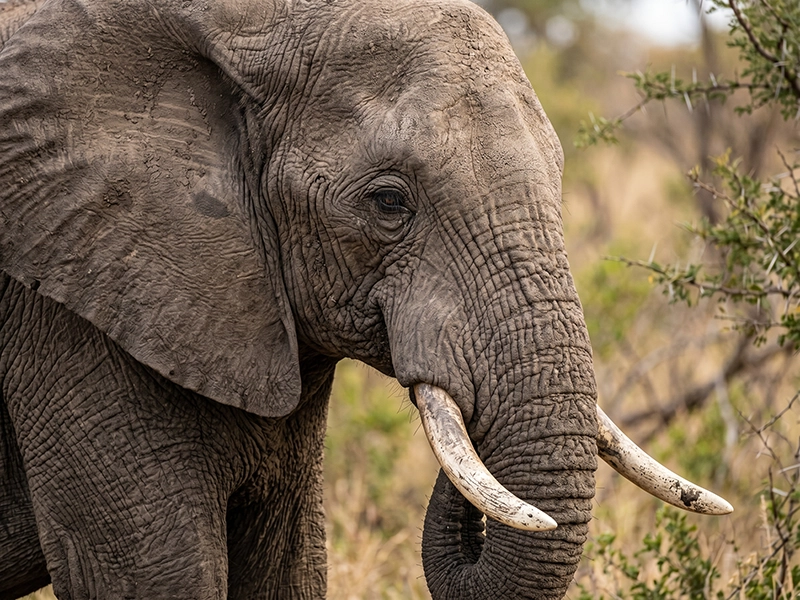
Elephant
Loxodonta africana
Big Five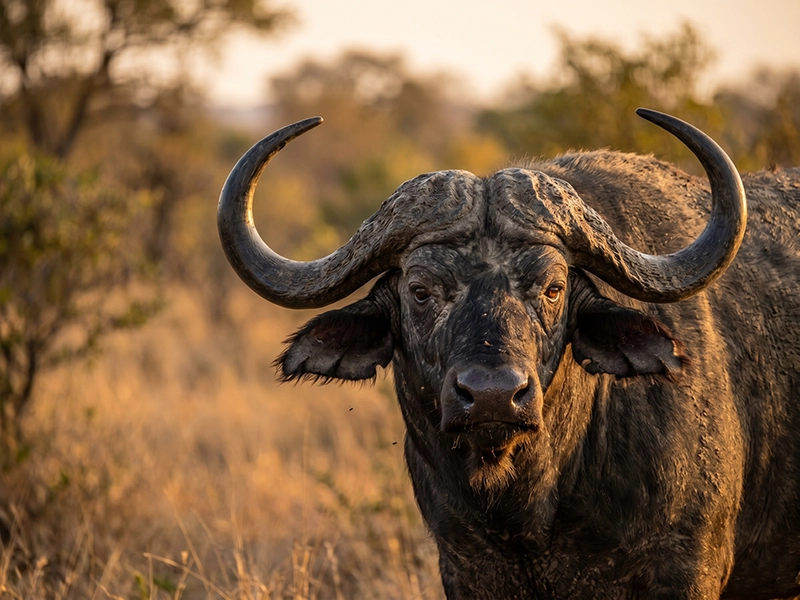
Buffalo
Syncerus caffer
Big Five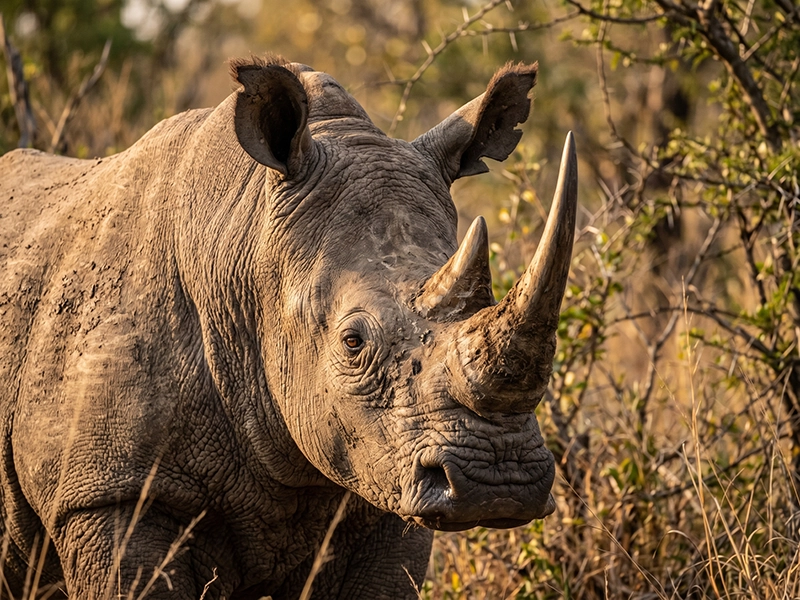
White rhino
Ceratotherium simum
Near threatened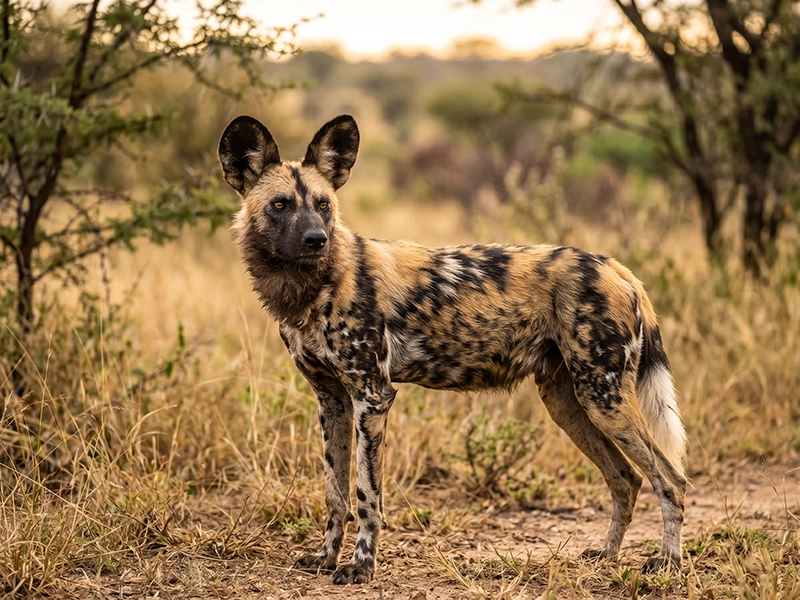
Wild dog
Lycaon pictus
Endangered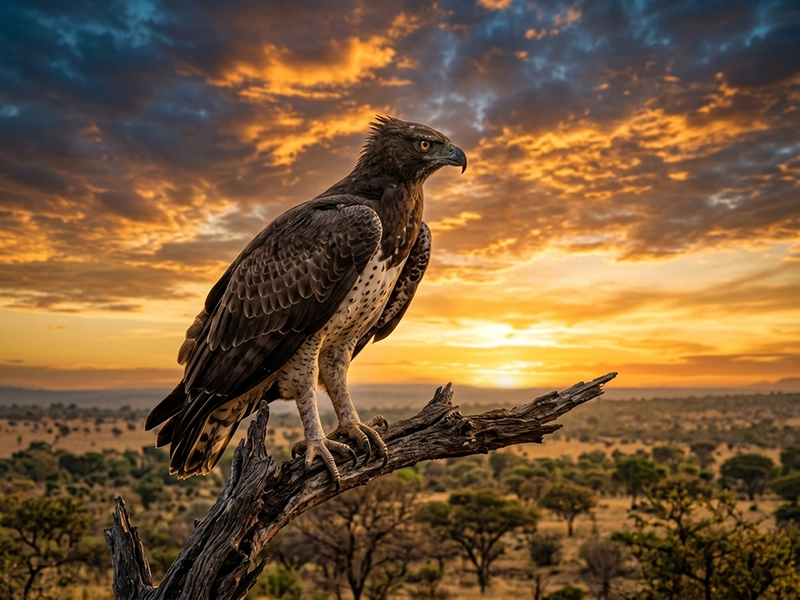
Martial eagle
Polemaetus bellicosus
Endangered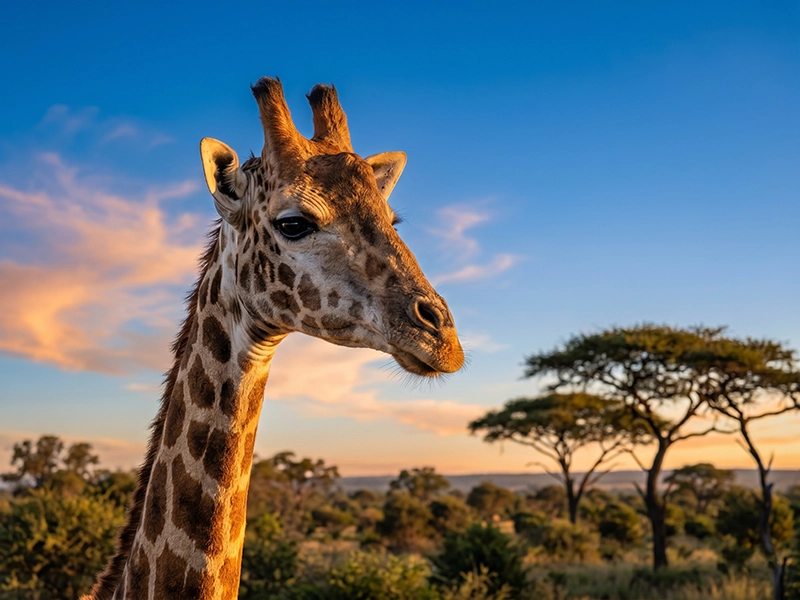
Giraffe
Giraffa camelopardalis
Widespread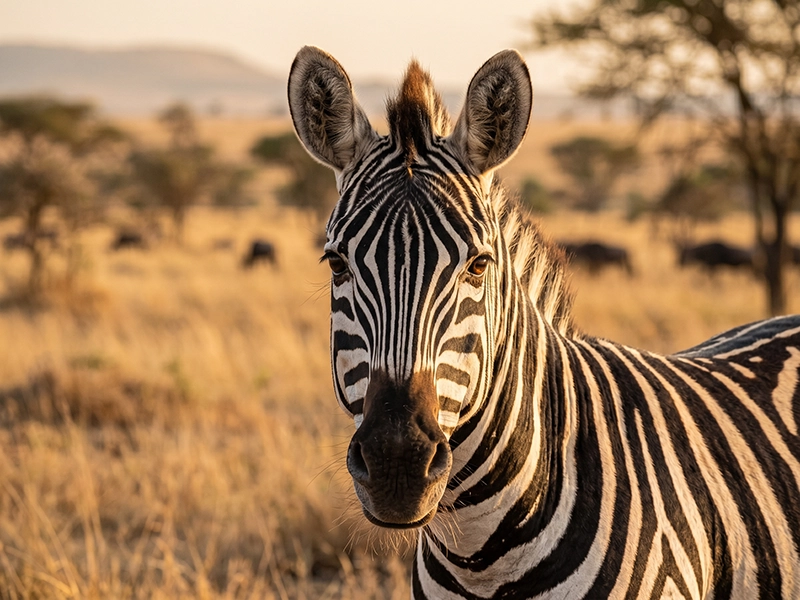
Plains zebra
Equus quagga
Widespread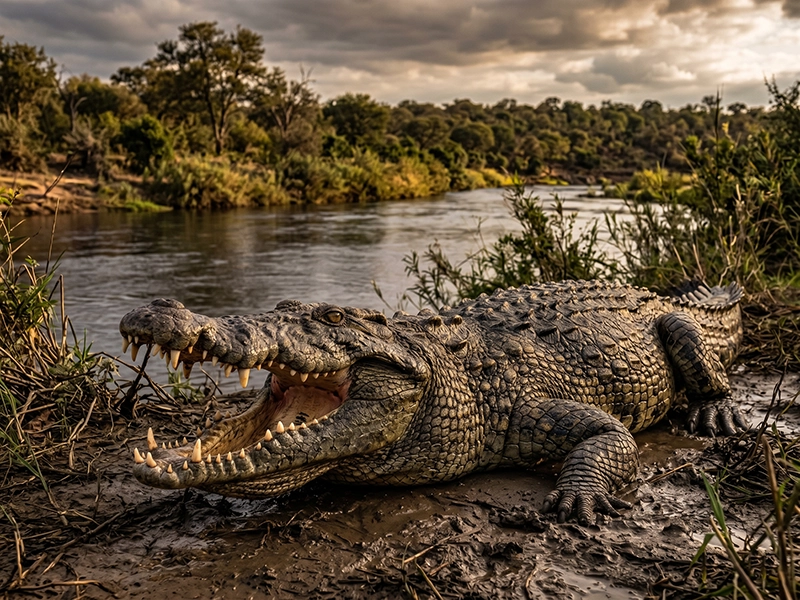
Nile crocodile
Crocodylus niloticus
Rivers and dams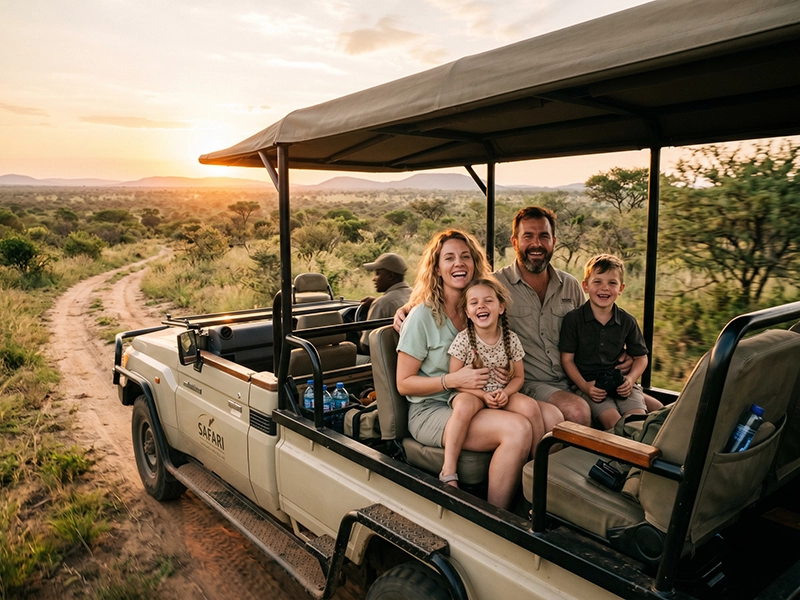
We built this because we kept missing things by twenty minutes.
We drive Kruger as a family several times a year, mostly self-drive, mostly the gravel roads. Every trip ended the same way: sitting at the sightings board at Satara, finding out what we'd driven past.
So we built the board into a phone, added the species notes we were already carrying in a notebook, and put a countdown on the gate because we'd cut it close more than once. Then friends asked for it. Then their friends did.
It's a small operation — one family, one park, and now a few thousand kilometres of road notes. If something's wrong or missing, you'll be emailing a person, not a helpdesk.
Krantz OutdoorsPretoria, South Africa
There's no app store involved. You open a link, enter your key, and add it to your home screen — after that it behaves like any other app, icon and all.
In South Africa, pay R99 (or R349 for five) with card, EFT or SnapScan right here on the page. Outside SA, check out on Etsy.
Your licence key is emailed automatically — usually within a minute of a Payfast payment.
kruger.krantzoutdoors.com, in your phone's browser.
One screen, one field. It unlocks in about two seconds.
Share, then Add to Home Screen. Now it's an app.
One payment, twelve months of access, every update in that year included. After the first hundred keys or 31 December, whichever comes first, it goes back to R149.
Offer closes 31 December
R99R149
twelve months from the day you activate
Everything in the app, on one device.
In South Africa R99 for the year
Card, EFT or SnapScan through Payfast. Your key is emailed within a few minutes.
Outside South Africa $12
Buy on EtsyR349R499
five keys, each running twelve months from its own activation
One for you, four to hand out. Unused keys never expire.
In South Africa R349 for five
Card, EFT or SnapScan through Payfast. Your key is emailed within a few minutes.
Outside South Africa $39
Buy on EtsyThe founding price is our side of a bargain: you get the year at R99, and when you've used it you tell us honestly how it went. Lose or replace your phone and the same key works on the new one, with your remaining months and your saved trips intact.
Most landing pages you'll read today will tell you thousands of people already love the product. We've sold one licence. Pretending otherwise would be the easiest thing on this page to fake, and the least useful thing we could tell you.
So here's the actual deal. The first hundred people pay R99 instead of R149, and in exchange we ask you to come back afterwards and say honestly how it went — including the parts that annoyed you. That's how the reviews on this page eventually get written, and it's why you're being offered a year for the price of a tank of nothing.
The same system is being built for the parks people drive next. Buying the Kruger guide doesn't include these — but we'll tell you when each one lands.
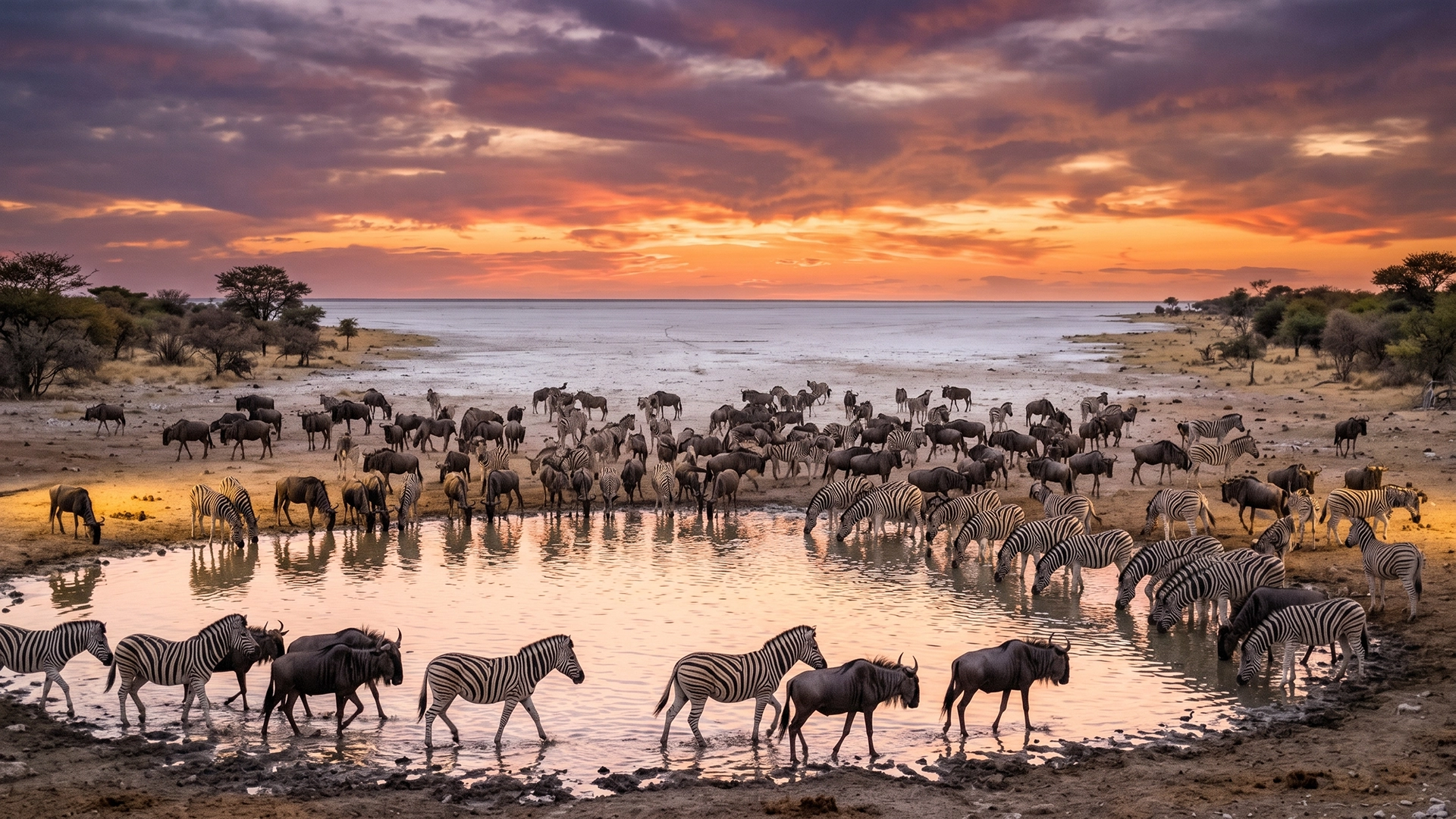
EtoshaNamibia · floodlit waterholes and the white pan
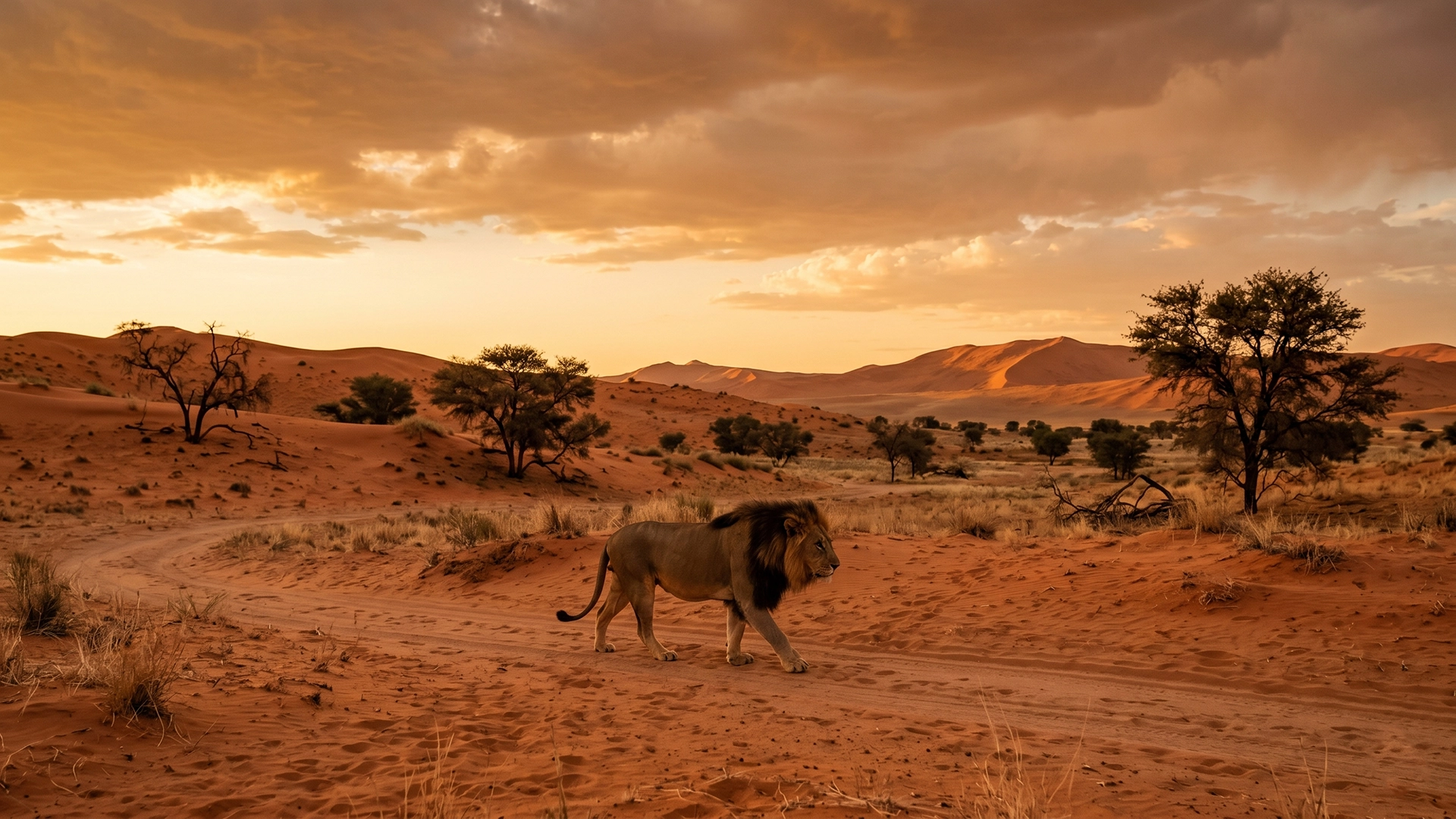
KgalagadiSouth Africa and Botswana · red dunes, black-maned lions
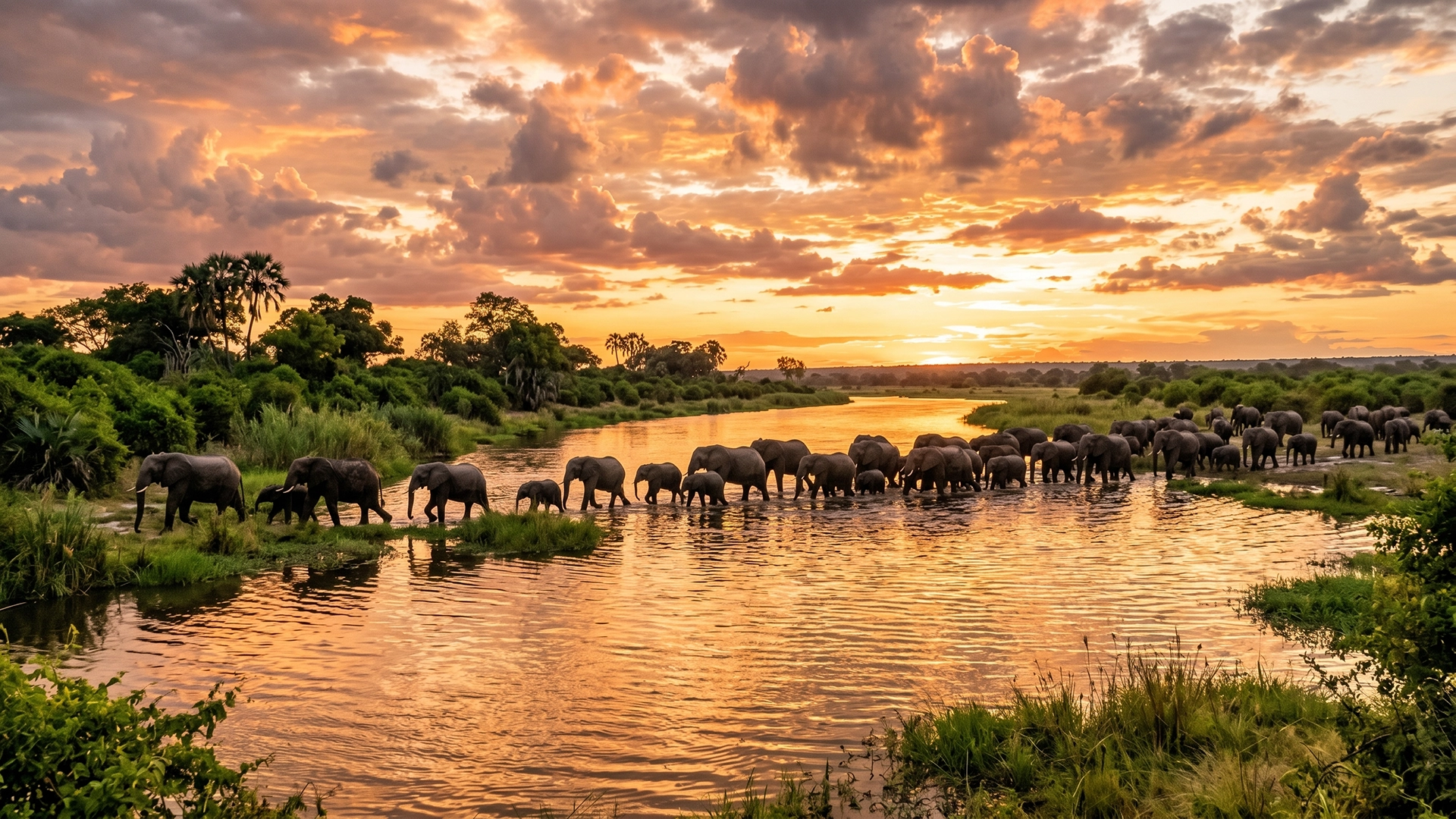
ChobeBotswana · the largest elephant population on earth
Ninety-nine rand, one email, and ten seconds on your phone. Then you drive into the park with the gate time, the species and the roads already in your pocket.
R99 one phone · R349 for five
R99 for the yearFirst 100 only, until 31 December
Get it